One dancer. Center stage.
Select a dancer in your recording. AI tracking builds a moving crop that follows their performance.
 SoloDanceAI
MADE FOR YOUR NEXT DANCE CLIP
From the whole crew to just you. Follow your dancer, find your frame, and bring the music back into focus.
For iPhone & iPad · iOS 17 or later · Free to download
LESS TIMELINE. MORE DANCE.
The essentials for a solo dance edit, brought together in one app.
Select a dancer in your recording. AI tracking builds a moving crop that follows their performance.
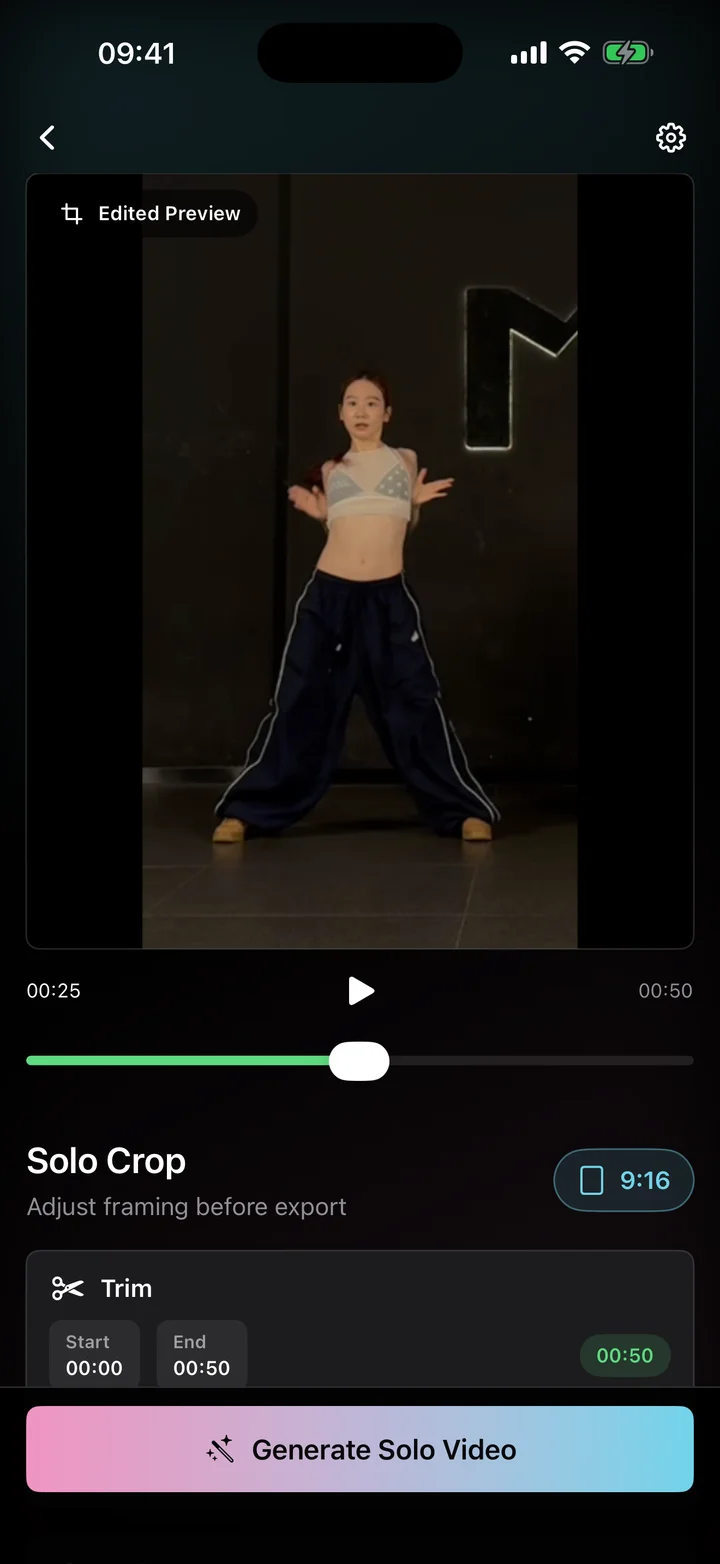
Choose portrait, square, or landscape. Fine-tune the subject size, smoothness, and full-body or close-up framing.
Bring music from another video, align matching audio, and adjust the mix. Or keep your original frame and edit only the music.
A CLOSER LOOK
A look inside SoloDance AI,
from import to your final frame.
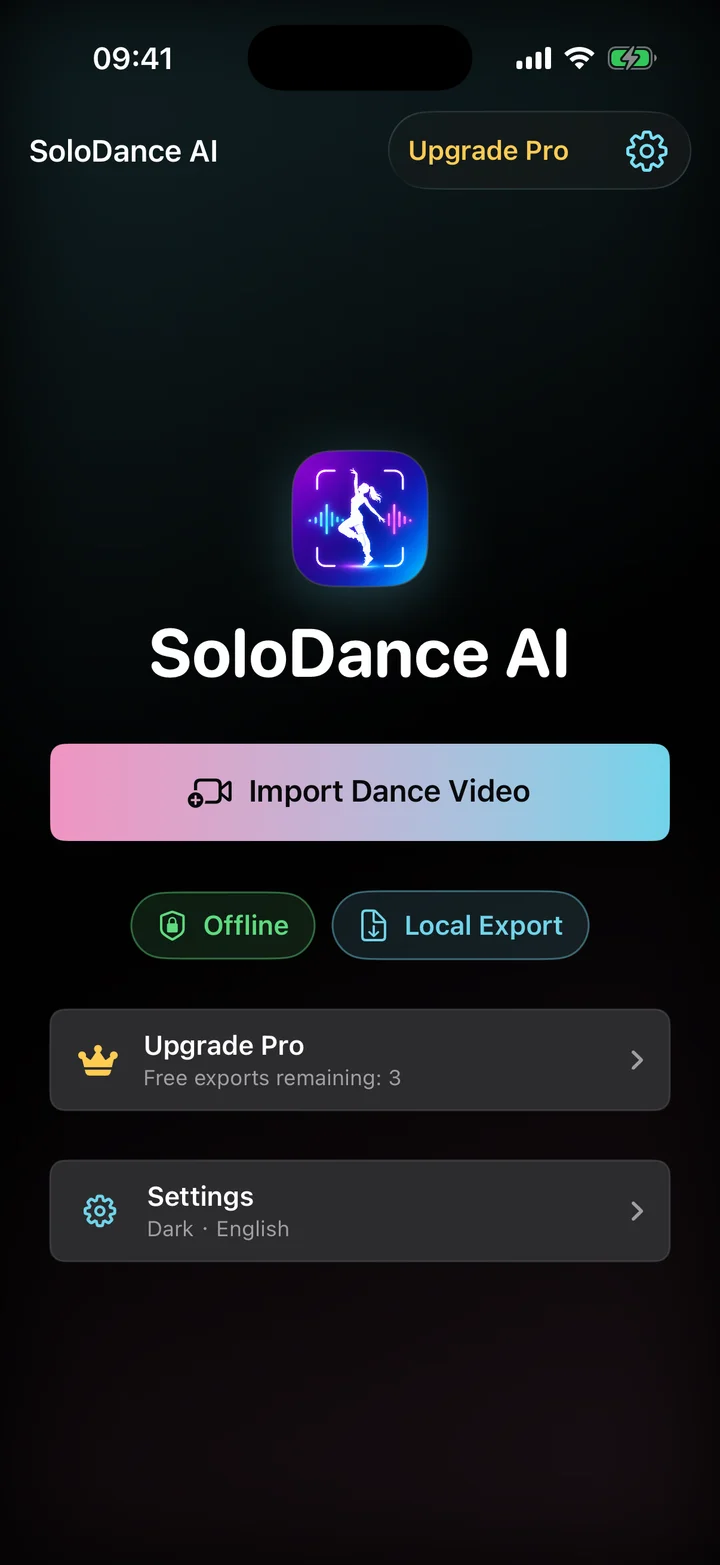
Your camera roll. Your next creation.
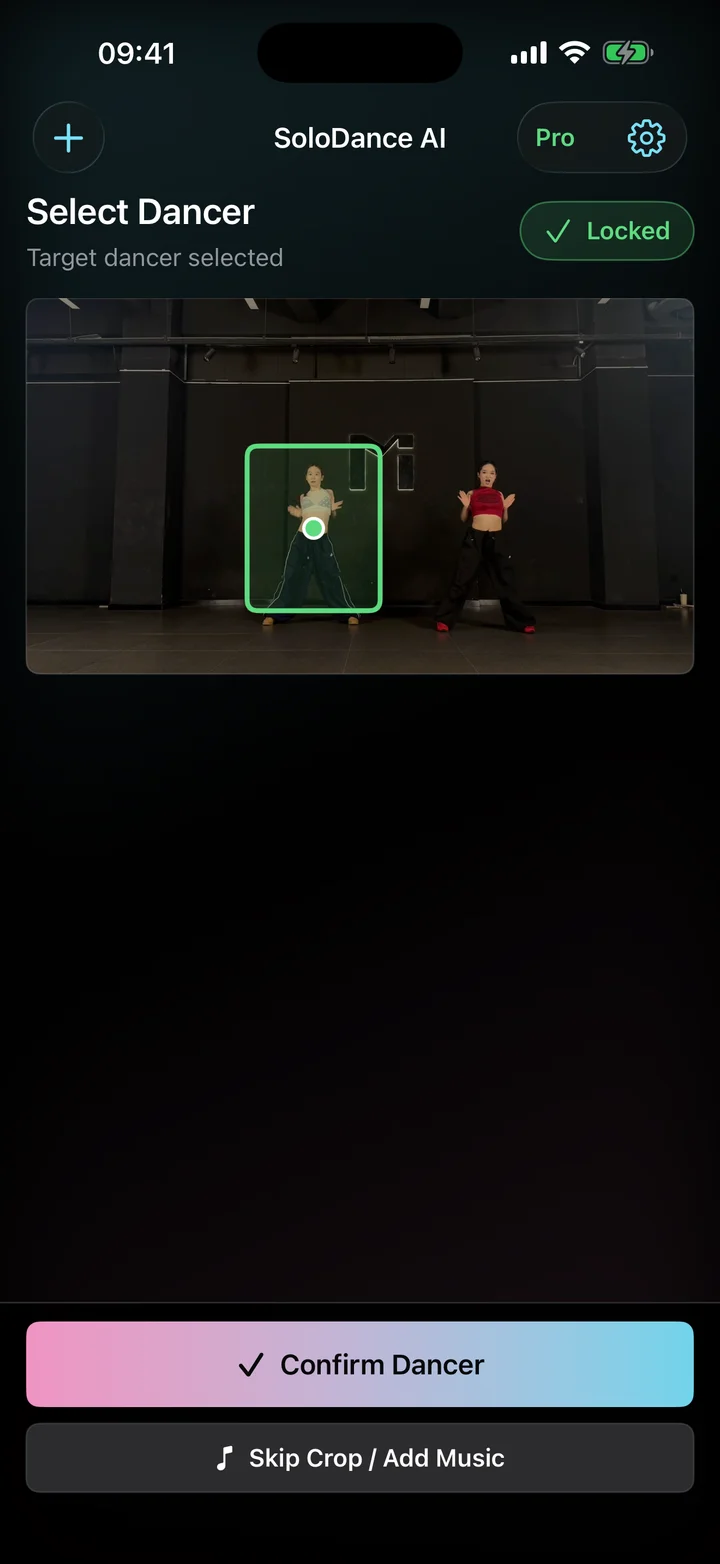
Bring one performance into focus.
Preview, fine-tune, and make it yours.
FROM CAMERA ROLL TO SOLO CLIP
For dance practice, studio recordings, and the cover you can’t wait to share.
Try SoloDance AIChoose a dance recording from your photo library.
Pick your dancer, set your frame, and make the audio feel right.
Preview the result, export your clip, and save or share it.
YOUR VIDEOS STAY WITH YOU
Video tracking, cropping, and audio processing happen locally. There’s no video upload and no account to create.
Read our privacy policyGOOD TO KNOW
SoloDance AI works on iPhone and iPad with iOS or iPadOS 17 or later.
Yes. Download the app for free and try three exports. Pro unlocks unlimited exports and watermark-free, higher-quality solo crops. Subscription and lifetime options are available; see the app for current prices.
No. Editing and video processing happen on your device. An internet connection is needed for App Store purchases and restoring Pro.
Use clear footage where your dancer stays visible. Heavy motion blur, long occlusions, or a dancer leaving the frame may affect tracking. Always preview the result before exporting.
You can import a reference video to use its audio. Automatic alignment works when the recordings share matching audio. You can also adjust timing and volume yourself. Use only videos and music you have the rights to use.
YOU BRING THE MOVES.
For iPhone & iPad · iOS 17 or later · Free to download